WordPress → Next.js: Migrating a Renovation Company's Website
How I rebuilt Reno Stars from a sluggish WordPress site to a modern Next.js app — the real tradeoffs, challenges, and results.
Why Migrate?
My client Reno Stars is a renovation company in Vancouver. Their WordPress site worked — it had content, SEO juice, and a decent design. But it was slow, hard to update, and plugin-heavy.
They came to me wanting something modern that actually loads fast on mobile (where most of their leads come from). Here's what I learned rebuilding it from scratch.
The Old Stack vs New Stack
| WordPress (Old) | Next.js (New) | |
|---|---|---|
| Framework | WordPress + Elementor | Next.js 14 + Tailwind CSS |
| CMS | WordPress Admin + plugins | Custom Admin with AI + CRM |
| Hosting | Shared hosting | Vercel |
| Load time | ~4s | <1s |
| Maintenance | Plugin updates, security patches | Near zero |
Visual Comparison
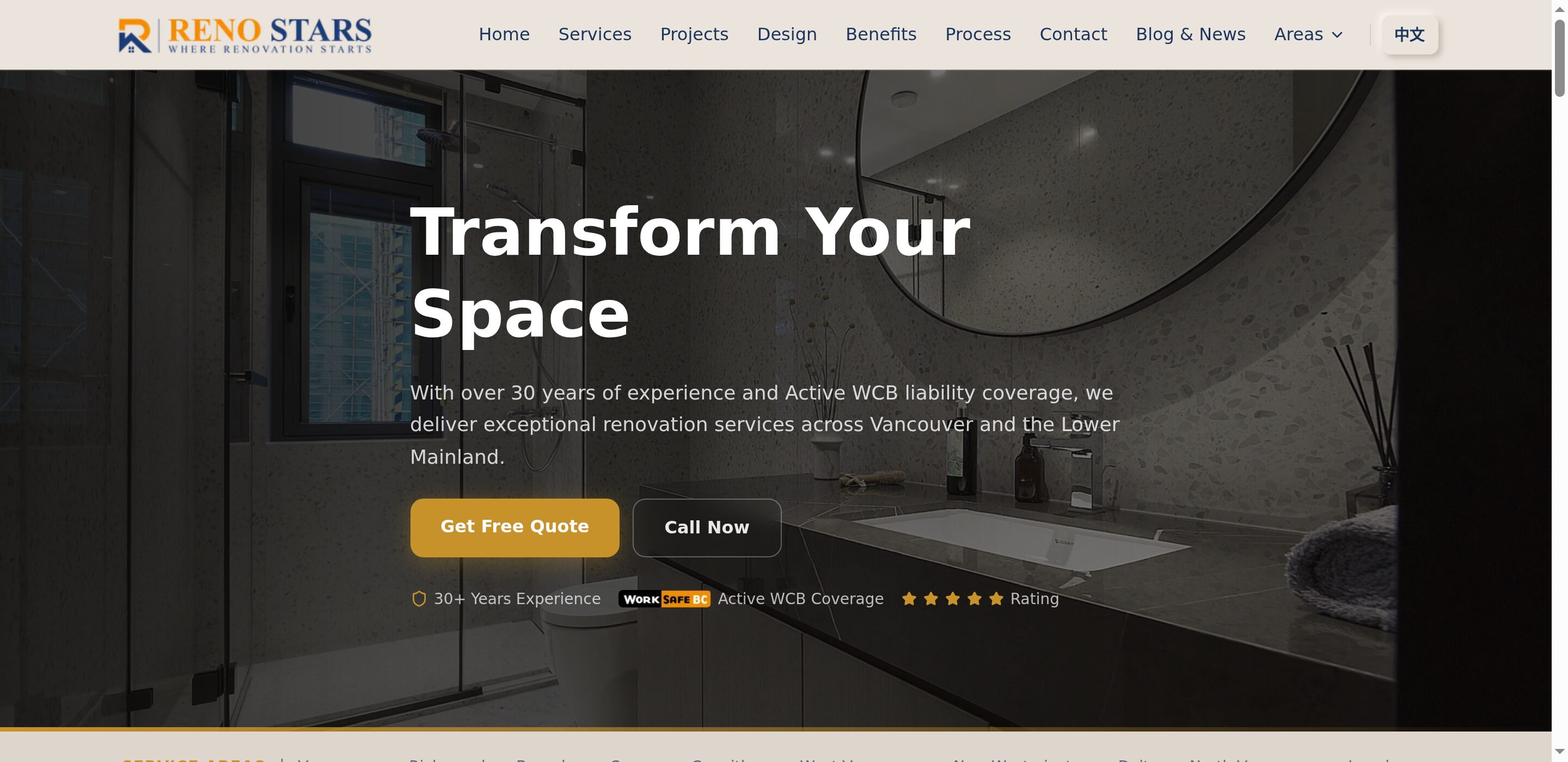
Hero Section
The first thing visitors see. The old site had a generic Elementor layout. The new one is cleaner, more focused, and loads significantly faster.
Before (WordPress):

After (Next.js):
Services Section
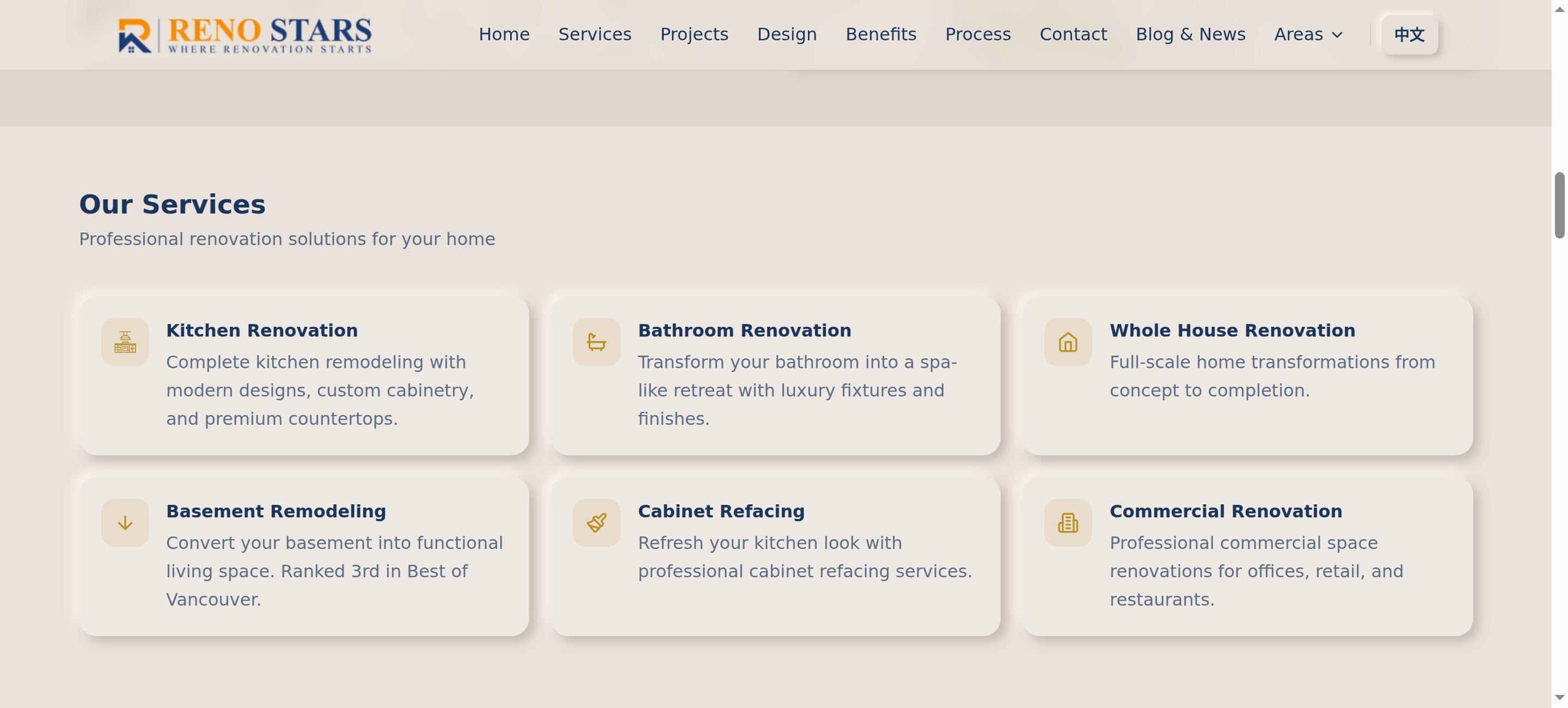
Service cards got a complete redesign. Less visual clutter, better hierarchy, and the content is actually readable now.
Before:
After:
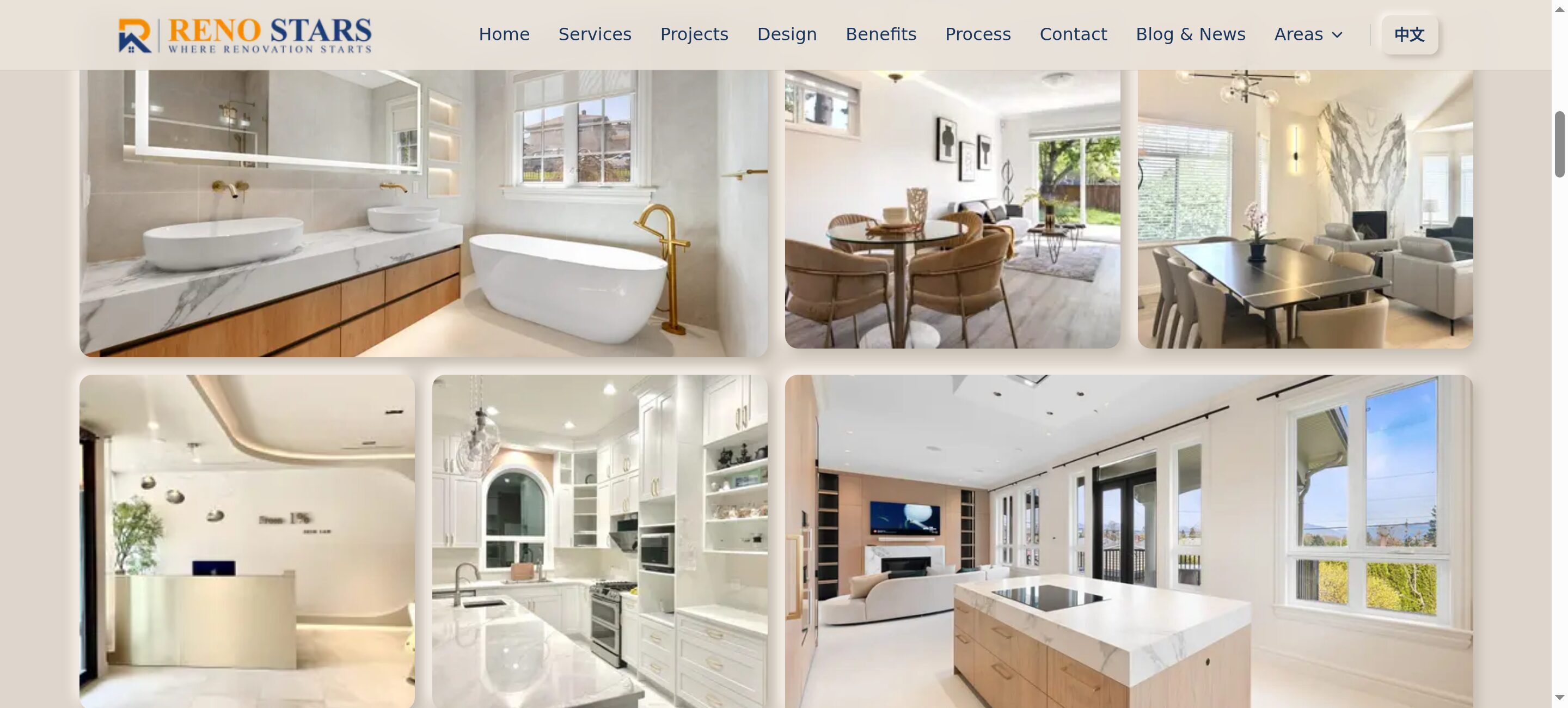
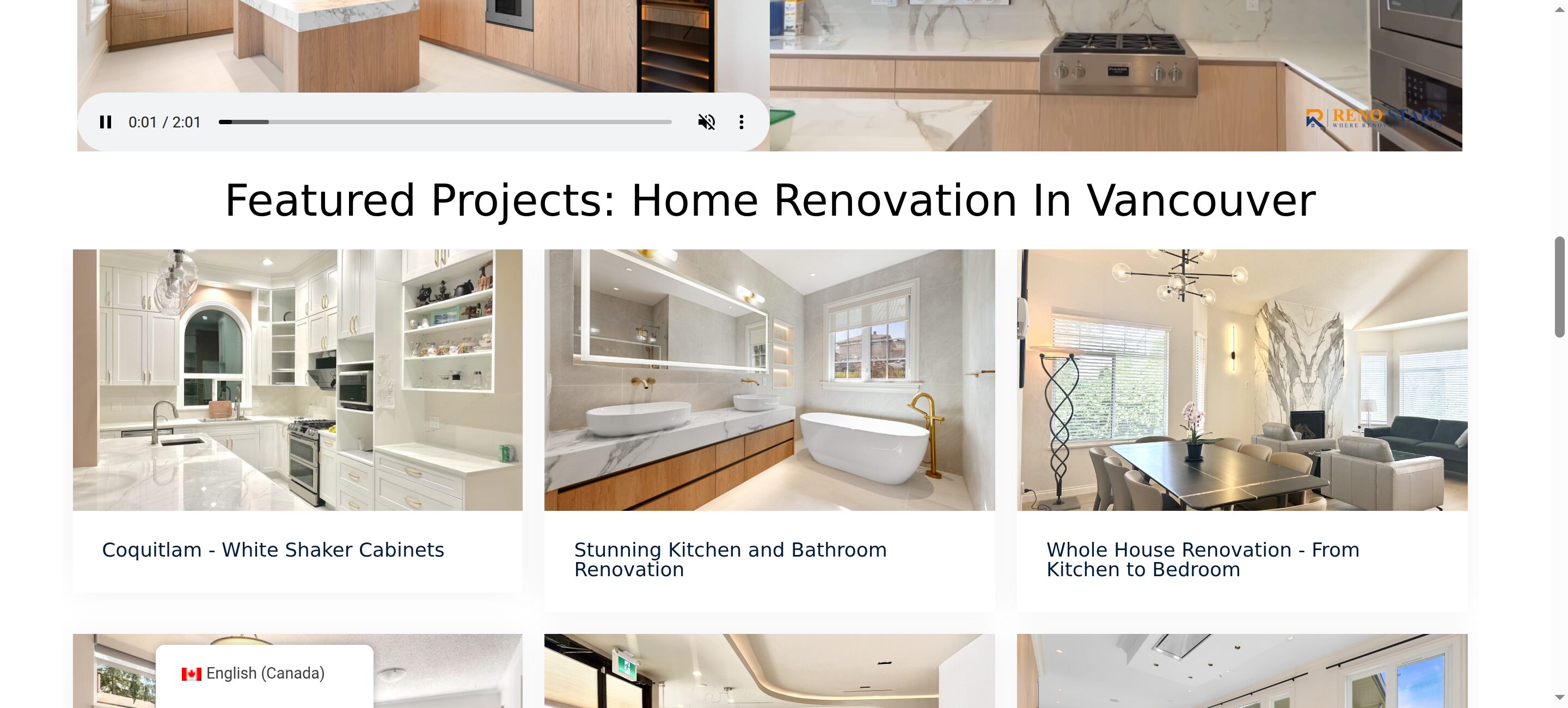
Portfolio / Projects
The portfolio is where renovation companies win clients. The new version loads images lazily with Next.js Image optimization — no more waiting for a 3MB gallery to download.
Before:

After:
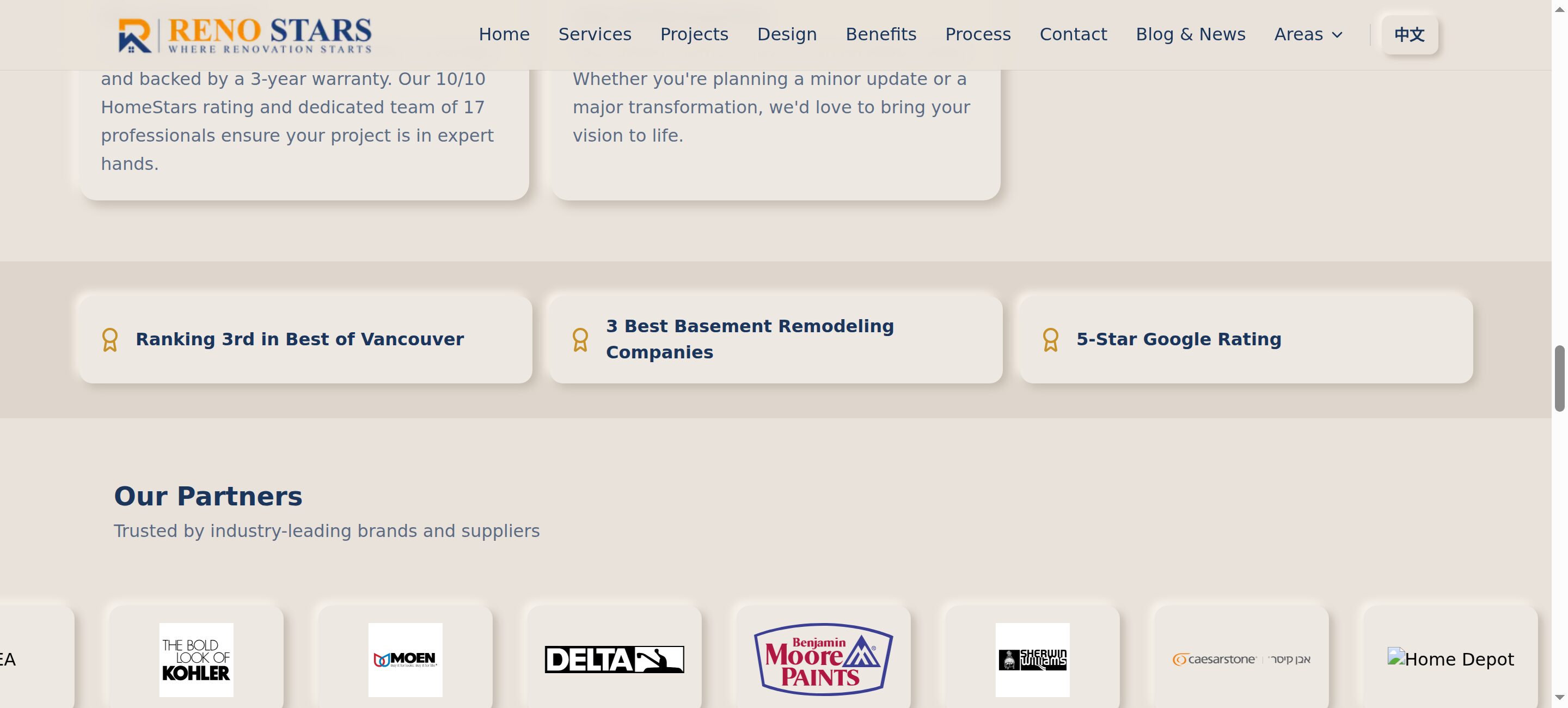
About & Testimonials
Before:

After:
Footer
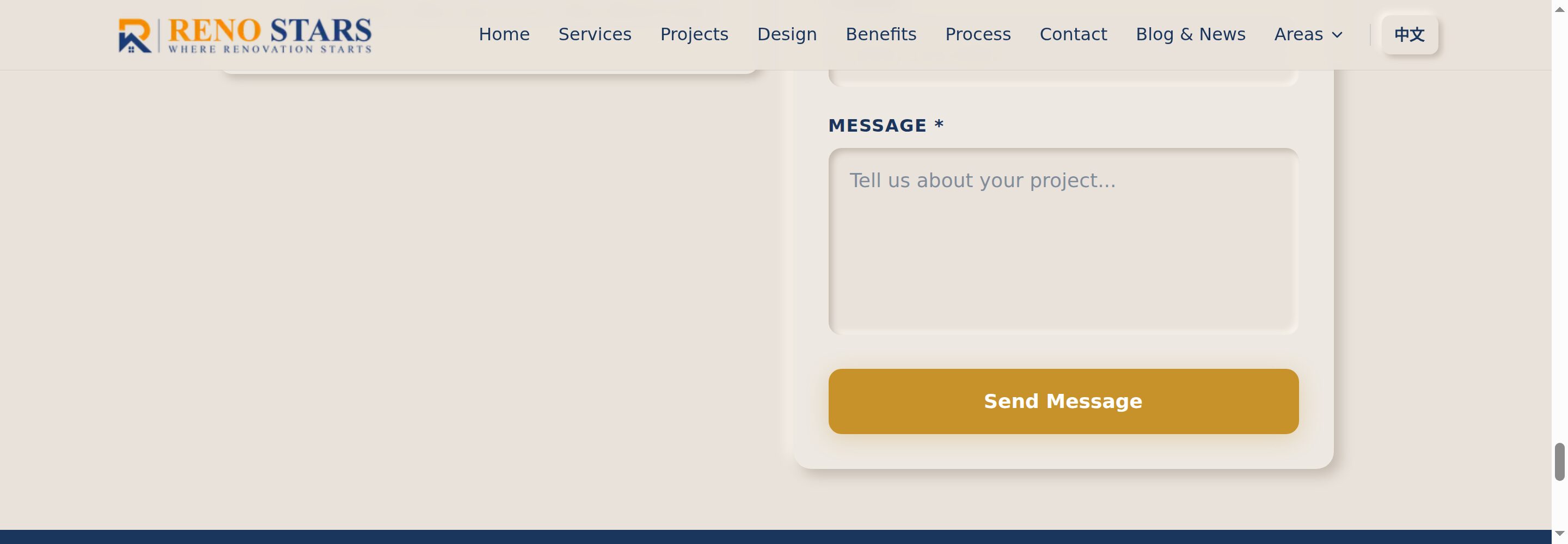
Even the footer got cleaned up. Better information architecture, clear CTAs, and proper service area listing.
Before:

After:
Admin Panel
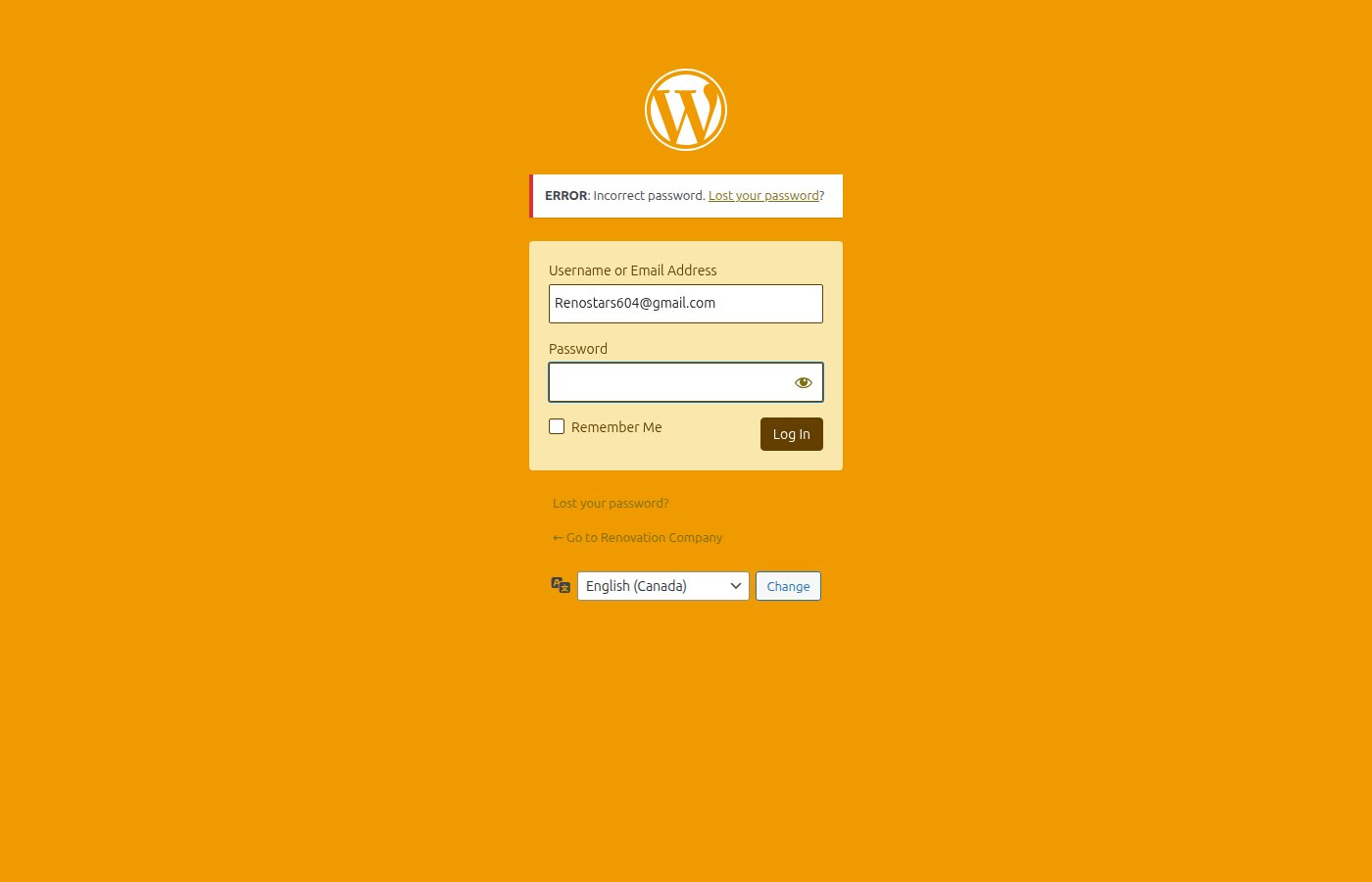
This is the biggest upgrade. WordPress gives you wp-admin — a generic dashboard with 30+ sidebar items, half of them from plugins, none of them branded. My client doesn't need to know what "Yoast SEO" or "Elementor Templates" means.
The new admin is purpose-built: clean dashboard with at-a-glance content counts, organized into Portfolio, Content, CRM, and Settings. Bilingual toggle (English/中文) right in the header — essential for a Vancouver renovation company serving Chinese-speaking clients. And it has AI-powered features for content generation baked right in.
Before (WordPress wp-admin):
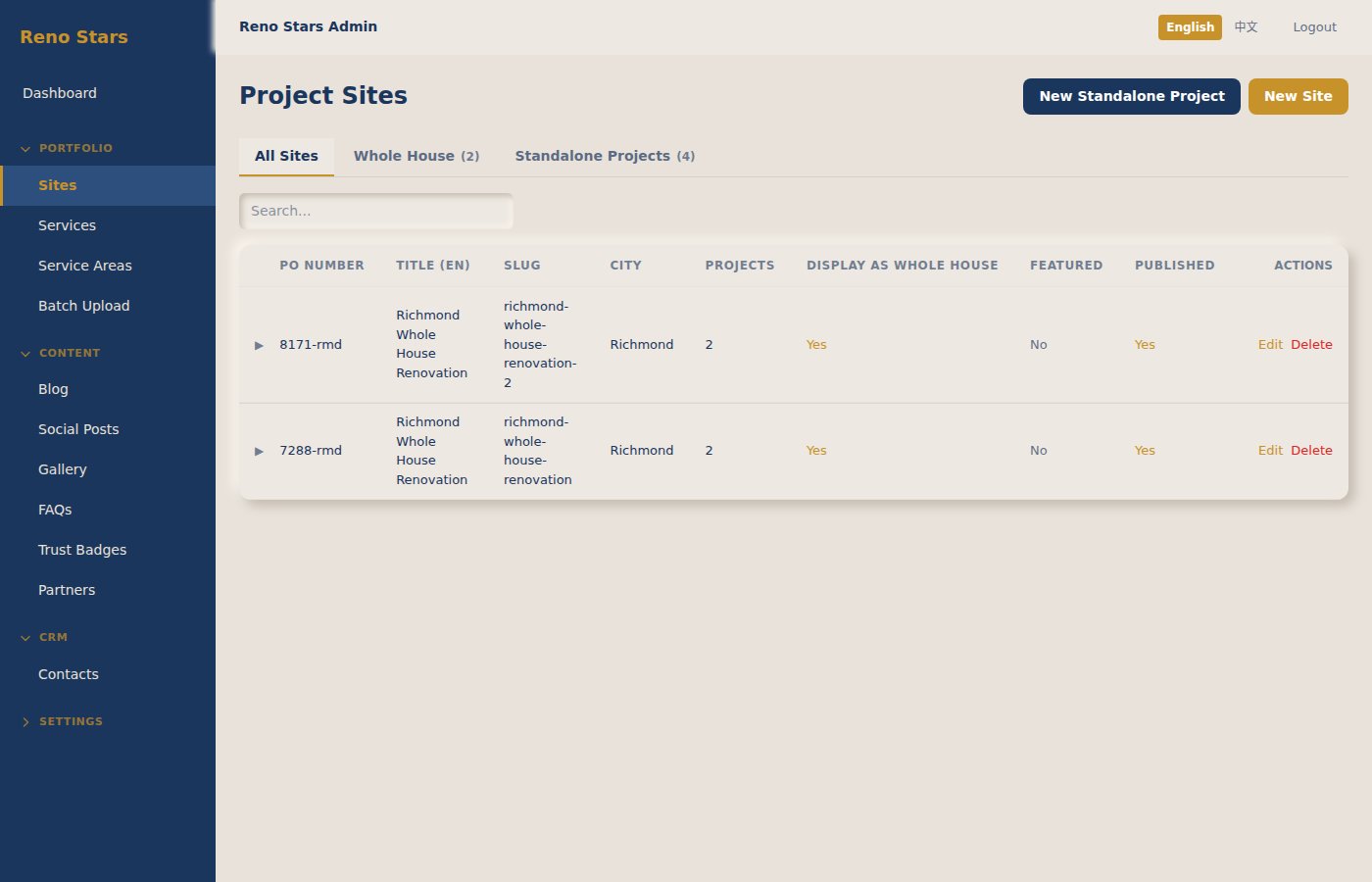
After (Custom Admin Panel):
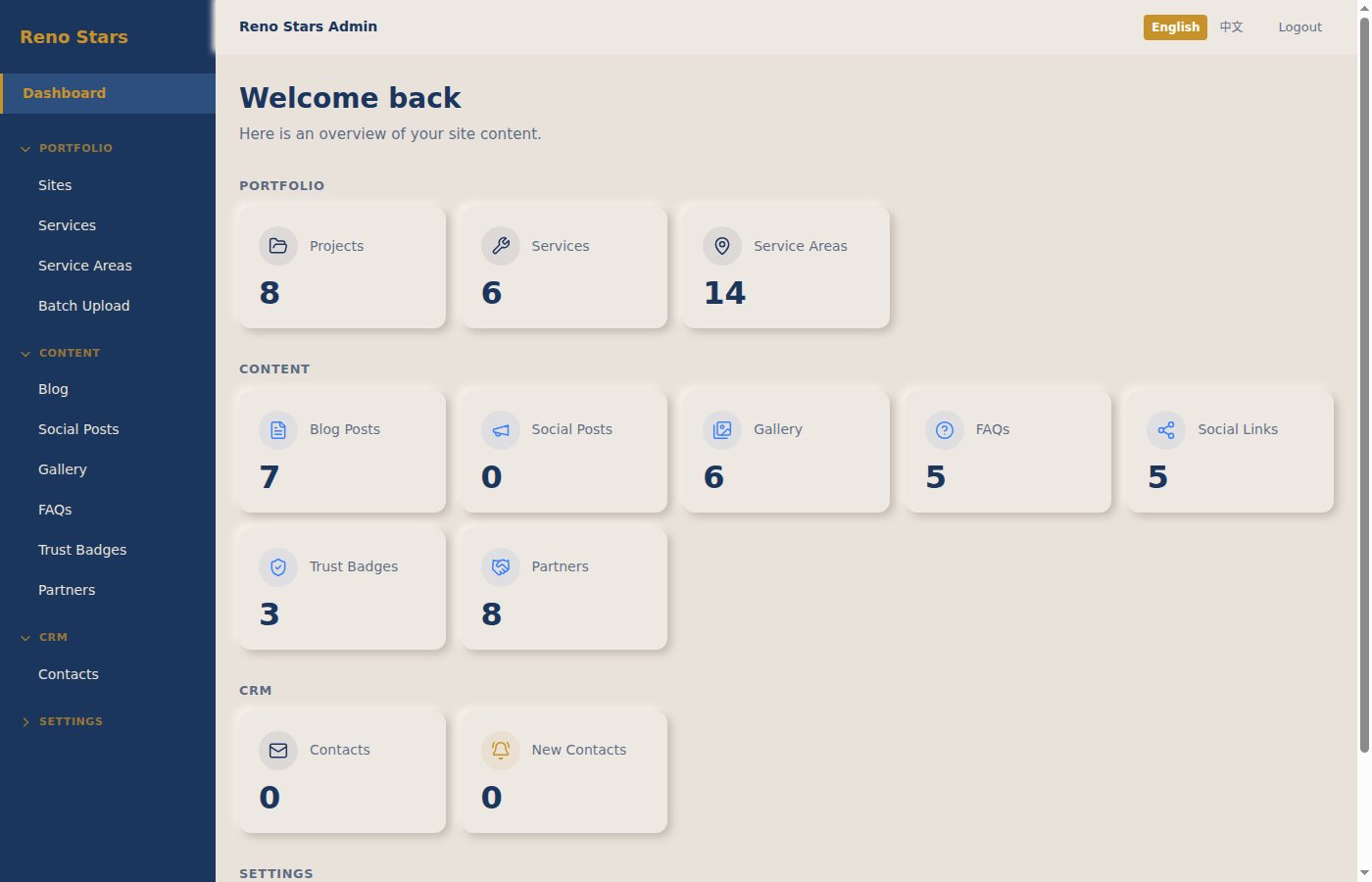
The projects management page alone shows the difference. Instead of navigating WordPress's "Custom Post Types" with ACF fields, the client sees a clean table with all the fields that matter: PO number, title, city, featured status, published status — with search, tabs for filtering, and one-click actions.
What Actually Mattered
1. SEO Migration is the Hard Part
The renovation industry lives on Google. Reno Stars ranks for keywords like "Vancouver renovation contractor" — losing that would be a disaster.
I had to:
- Map every old URL to its new equivalent
- Set up proper redirects (301, not 302)
- Keep the same meta structure and schema markup
- Preserve the sitemap and submit it fresh
Lesson: Don't just rebuild the frontend. Audit every URL first.
2. The CMS Question
WordPress's biggest advantage is its admin panel. Non-technical clients can update content without calling you. Taking that away is a downgrade unless you replace it.
I built a custom admin panel that goes beyond what WordPress offered:
- Portfolio management — Projects, Services, Service Areas, with batch upload for renovation photos
- Content management — Blog posts, FAQs, Gallery, Social Posts, Trust Badges, Partners
- CRM — Contact tracking (WordPress needed a separate plugin for this)
- AI-powered features — Content generation and optimization built directly into the workflow
- Bilingual — English/中文 toggle throughout, not a $99/year WPML plugin
It's simpler than WordPress admin, which is actually a feature — fewer things to break, and everything is relevant to running a renovation business.
3. Performance Wins
Next.js with server components and image optimization made a massive difference:
- First Contentful Paint: 4.2s → 0.8s
- Largest Contentful Paint: 6.1s → 1.2s
- Total page weight: 3.8MB → 890KB
For a renovation company, this matters. Someone searching on their phone at a job site doesn't wait 4 seconds.
4. Bilingual Support
Reno Stars serves both English and Chinese-speaking clients in Vancouver. WordPress handled this with WPML (expensive, buggy). In Next.js, I implemented i18n with next-intl — cleaner routing, no plugin conflicts.
Tradeoffs I'd Be Honest About
Not everything is better:
- Client self-service is harder — even with a custom CMS, WordPress is more plug-and-play for non-technical users
- Plugin ecosystem is gone — need a contact form? Build it. Need analytics? Wire it up yourself
- Development cost is higher — a WordPress site with a theme is faster to ship initially
But for a business that needs speed, reliability, and a professional web presence, the tradeoff is worth it.
What I'd Do Differently
- Start with the URL audit before writing any code
- Build the CMS features in parallel, not after the frontend
- Set up staging with real content from day one (not lorem ipsum)
The Result
The new site is live at reno-stars-nextjs.vercel.app and will replace the production site soon. It's faster, cleaner, and the client can actually manage it without calling me every week.
If you're thinking about migrating a client from WordPress to Next.js — do it, but respect the SEO migration. That's where the real work is.
Building something similar? I'm a freelance full-stack developer in Vancouver. Get in touch.